Pay in installments of $5.96 with
 ,
,
 and
and

Shipping Estimate
USA
- USA
- CAN
- USA
- CAN
Ships within 48 hours · Estimated delivery Oct 4 - Oct 9
 Promo Codes Available:
For Your Every Summer RSVP, with Code: SUMMER15
Description
monsters on maple street twilight zone The Monsters Are Due on Maple Street Twilight ZoneThe Monsters Are Due on Maple Street digital short story lesson is the perfect introduction to the science fiction genre for the middle and early high school English Language Arts classroom. This tale of alien invasion by Rod Serling was initially written as a teleplay for the famous series The Twilight Zone and explores the timeless themes of the dangers of mob mentality and the spread of misinformation. This ready to use digital short story lesson
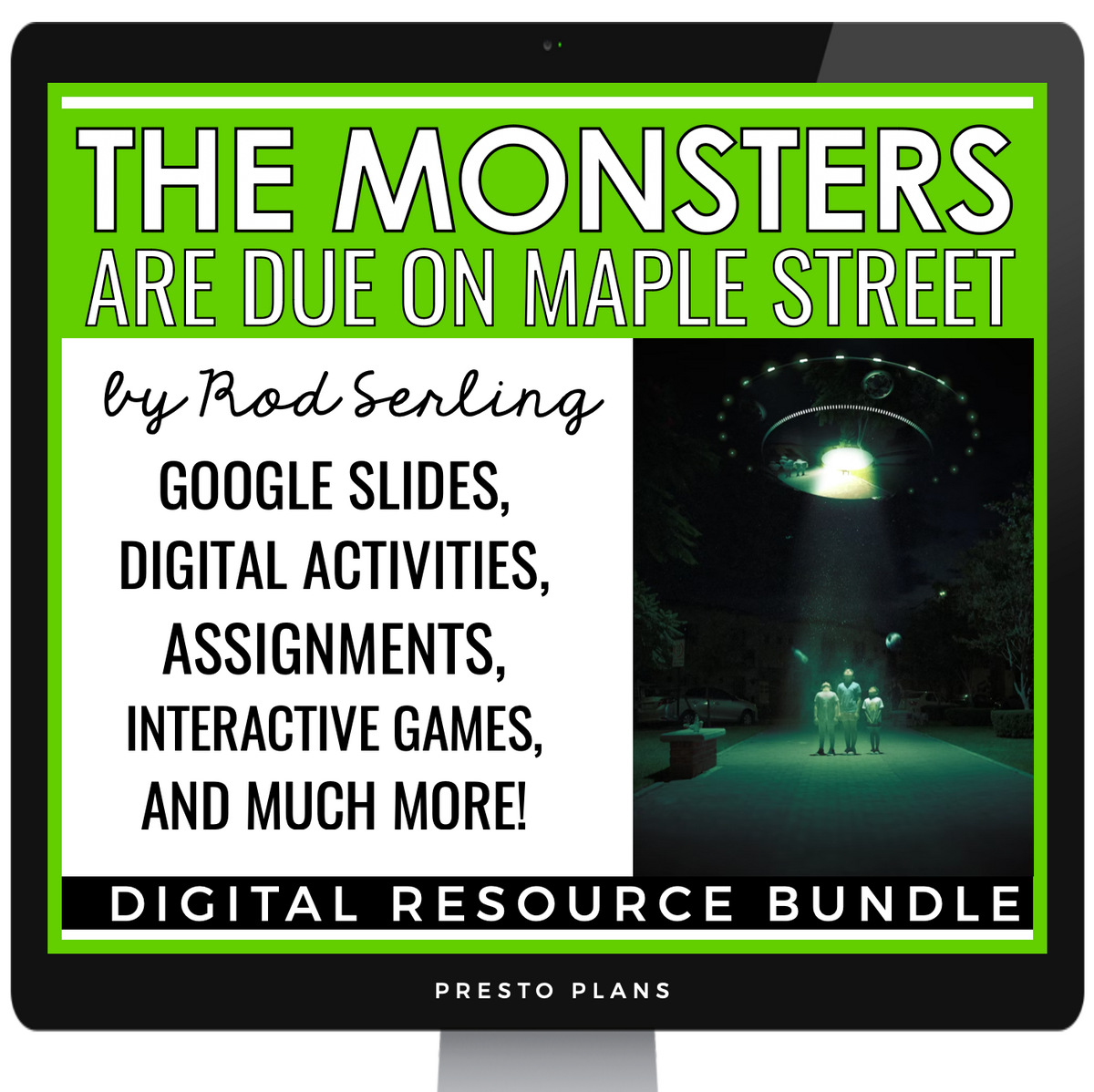
The Monsters Are Due on Maple Street digital short story lesson is the perfect introduction to the science fiction genre for the middle and early high school English Language Arts classroom. This tale of alien invasion by Rod Serling was initially written as a teleplay for the famous series The Twilight Zone and explores the timeless themes of the dangers of mob mentality and the spread of misinformation. This ready-to-use digital short story lesson for The Monsters Are Due on Maple Street includes everything you need to teach this eerie and thought-provoking tale to your students, including engaging activities and assignments, as well as a Google Slides presentation that will guide you through every step of the way!
This is a Google-compatible activity, and students complete all the work on the computer. This works well with distance learning, 1:1 classrooms, remote teaching, Google Classroom, or for online education.
Included in this digital short story lesson for The Monsters Are Due on Maple Street:
➡️ The Monsters Are Due on Maple Street Google Slides Presentation: This 40-slide Google Slides presentation will guide you through the lesson. It includes pre-reading activities, discussion questions, author biographical information, notes on the science fiction and teleplay genres, historical context on America during the 1960s, video journal prompt on herd mentality, answers to questions for whole class review, analysis notes, and a modern-day television adaptation of The Monsters Are Due on Maple Street.
➡️ The Monsters Are Due on Maple Street Digital Activities And Assignments: Have your students demonstrate their understanding of The Monsters Are Due on Maple Street, as well as extend their knowledge by working on any or all of the following digital activities included in this unit (directions for each activity/assignment included, as well as answer key for several activities):
- Alien Paranoia Pre-Reading Activity: Students will be on the lookout for potential alien threats with this entertaining pre-reading game that will demonstrate the potential dangers of mob mentality, a theme widely explored in the text. This activity requires printing.
- Pre-Reading Vocabulary Digital Puzzle: Using their vocabulary in context skills, students will match vocabulary words from the text with their synonyms to reveal a mystery word.
- Reading Comprehension Google Forms Quiz: After reading the story, students will complete this quick reading comprehension quiz in Google Forms to demonstrate their understanding of key moments in the text. The multiple-choice options are self-grading!
- Cause and Effect Digital Activity: Drawing on the many cause-and-effect relationships in this story, students will match the correct cause with the right effect to reveal a mystery word.
- Digital Analysis Questions: Students will dive deeper into the text by answering seven analysis questions that prompt them to analyze important themes and elements of the story.
- McCarthyism Article & Digital Graphic Organizer: After reading a one-page article on McCarthyism (the Red Scare), students will make connections between this concept and how this idea is explored in the story.
- Movie Maker Digital Assignment: Assigned with making a movie version for this story, students will create a movie poster and cast the characters, drawing on famous celebrities to play the different roles.
- Television Version Digital Activity: After watching a modern-day television version of the script, students will use a graphic organizer to compare the differences between it and the original teleplay script.
Looking for the print version? Click here.
Want to introduce students to more stories like this one? Click below!
→ Click Clack the Rattlebag by Neil Gaiman
© Presto Plans
➡️ Want 10 free ELA resources sent to your inbox? Click here!
Shipping Notes
- Free Standard Shipping on $100+ Orders to the USA.
- Except Preorder products are shipped in 48 hours.
- Delivery to the USA:
- Standard Shipping : 3-10 business days
- If time is of the essence, please consider selecting expedited delivery for faster service.
Exchange/Return Notes
- We offer a 30-day return/exchange service after receiving.
- Final sale items are not eligible for returns or exchanges.
- To process your return/exchange, please contact us at [email protected]
- Please click here for more details>>> Return & Exchange Policy